IPS events and the activity log
IPS events
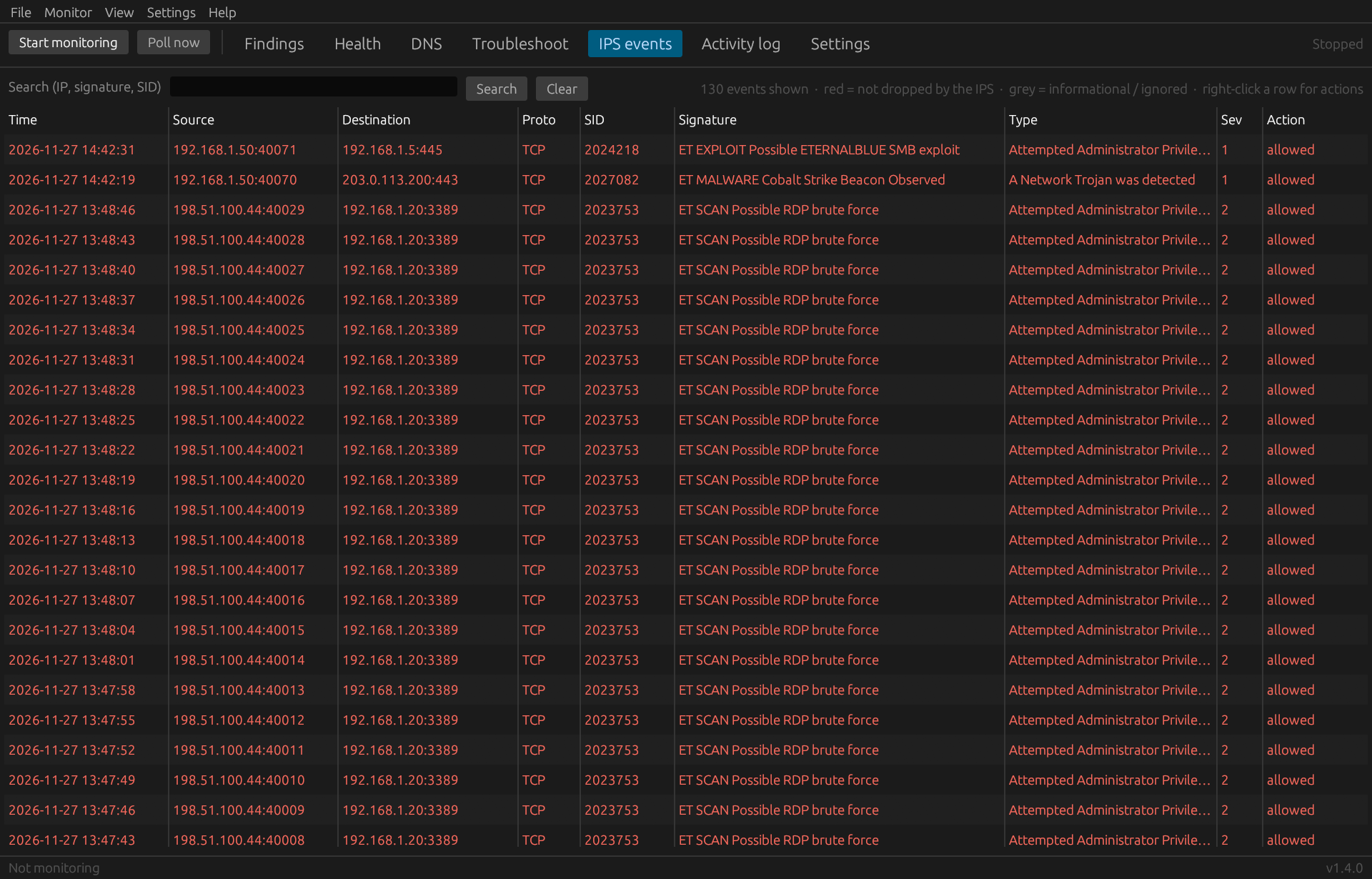
Every Suricata alert IPS Watch has stored, newest first: time, source and destination with ports, protocol, signature ID, signature, classification, severity and the IPS action.
- Red rows were not dropped by the IPS: the traffic reached its destination.
- Grey rows are informational or ignored signatures: shown, but never scored.
- Search by IP, signature text or SID.
- Right-click a row for Copy source IP, Look up source on AbuseIPDB, Host page for the source or destination, and Ignore signature, which adds the SID to the ignored list and re-scores your findings.
Events are kept for 30 days by default (Settings → Data & storage), and at most a million in total.
Activity log
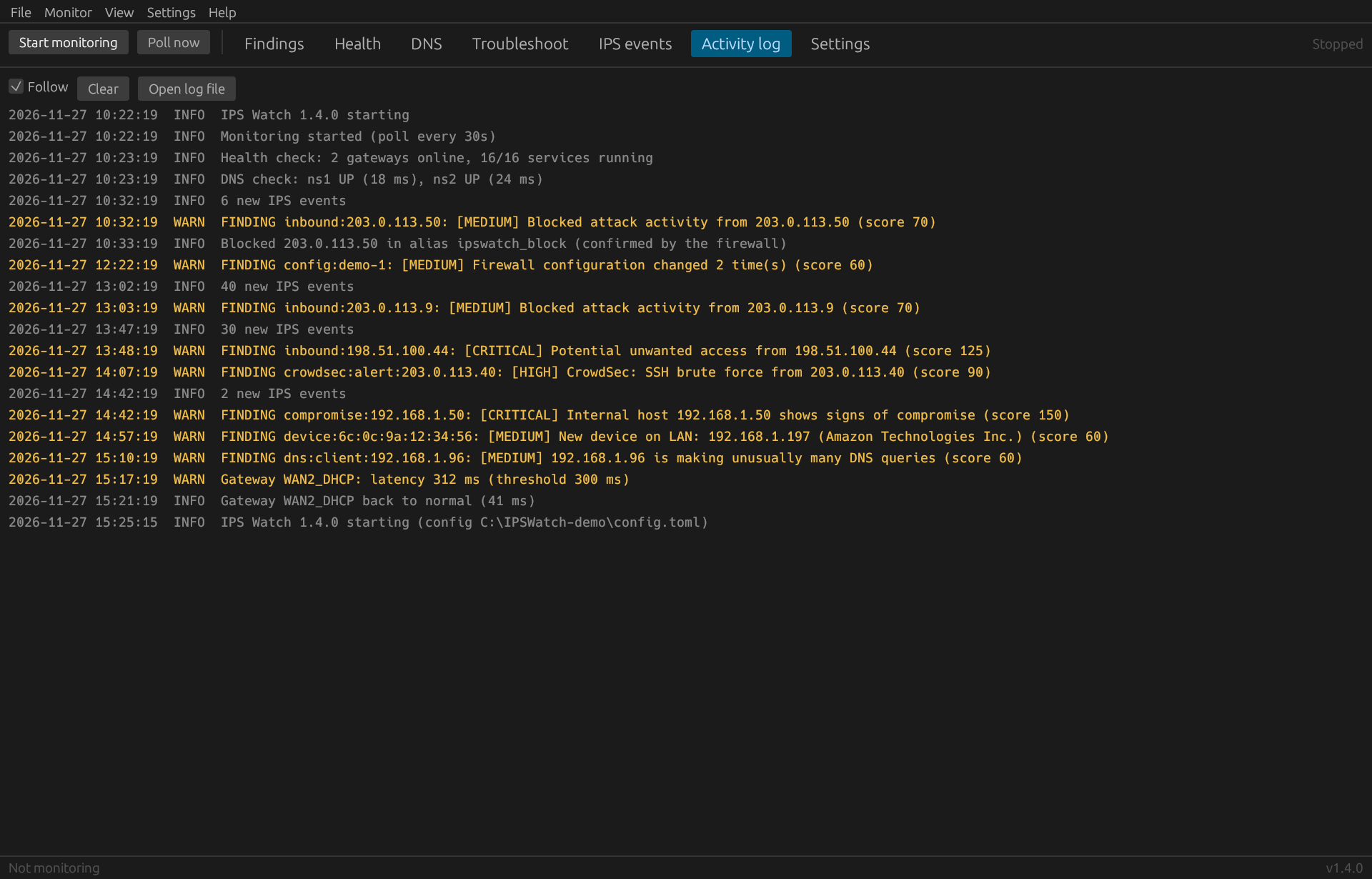
What the app is doing: polls, checks, notifications, blocks and errors. Follow keeps the newest line in view, Clear empties the view (not the file) and Open log file opens ipswatch.log from the data folder.